After you are done with your script, you can go ahead and shoot your video.
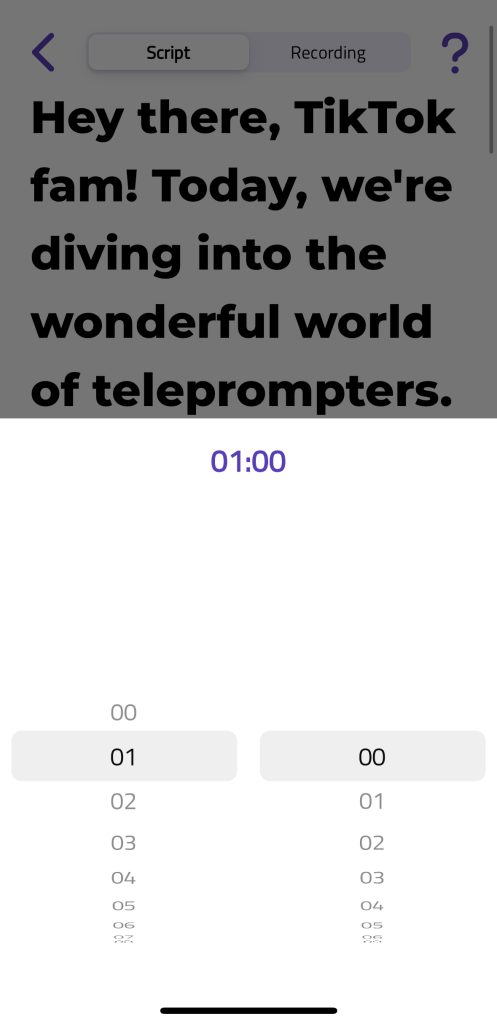
The app displays the video duration based on the current script pace. To adjust the length of your video, simply tap the button indicated by the yellow arrow.
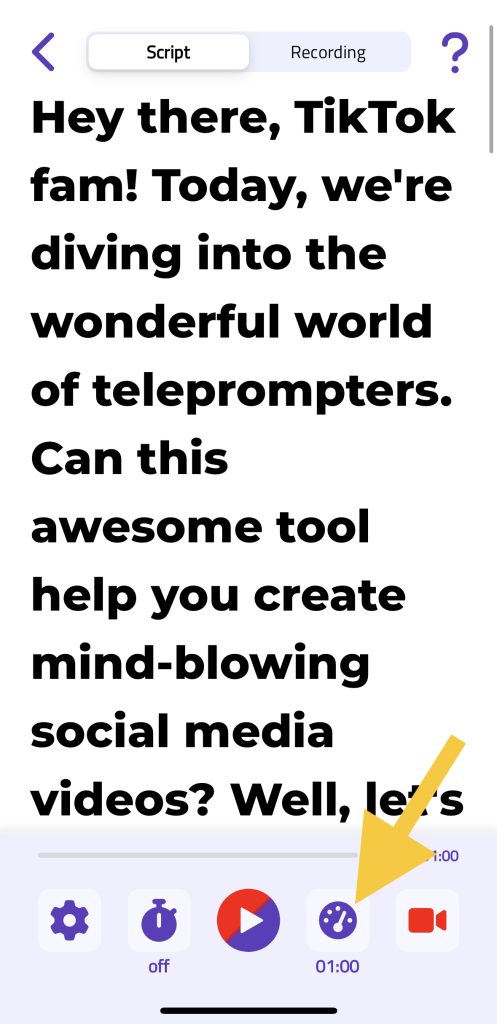
When you select that button, you’ll be able to choose the video duration in minutes and seconds. If you lengthen the duration, the script flow will be slower; if you shorten it, the script flow will be faster.