First of all, open your app and on the main screen, tap and hold your project until a menu pops up.
See below:

Then you can select “Rename” from the menu and you’ll see this screen below:
First of all, open your app and on the main screen, tap and hold your project until a menu pops up.
See below:
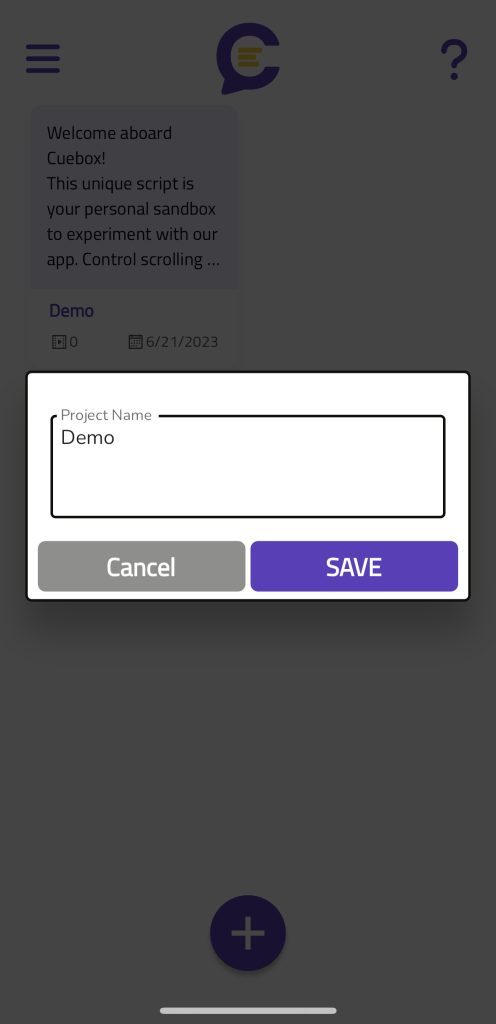
Then you can select “Rename” from the menu and you’ll see this screen below: