First of all, open your app and on the main screen, tap the “plus” button.
You’ll see a menu with two options: AI Script Generator and Manual.

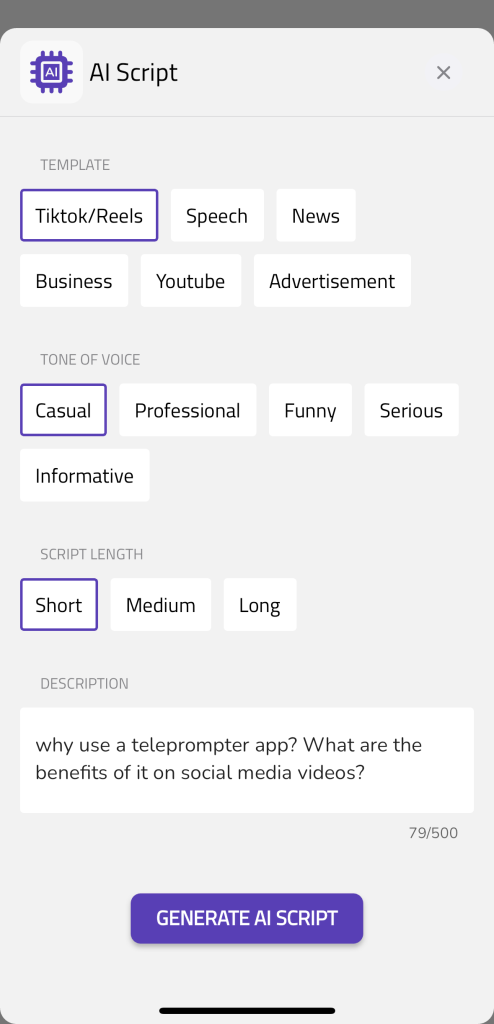
Select “AI Script Generator” and you’ll see this screen below.
Select the type of video, tone of voice and script length. Then add a description up to 500 characters like the example below.
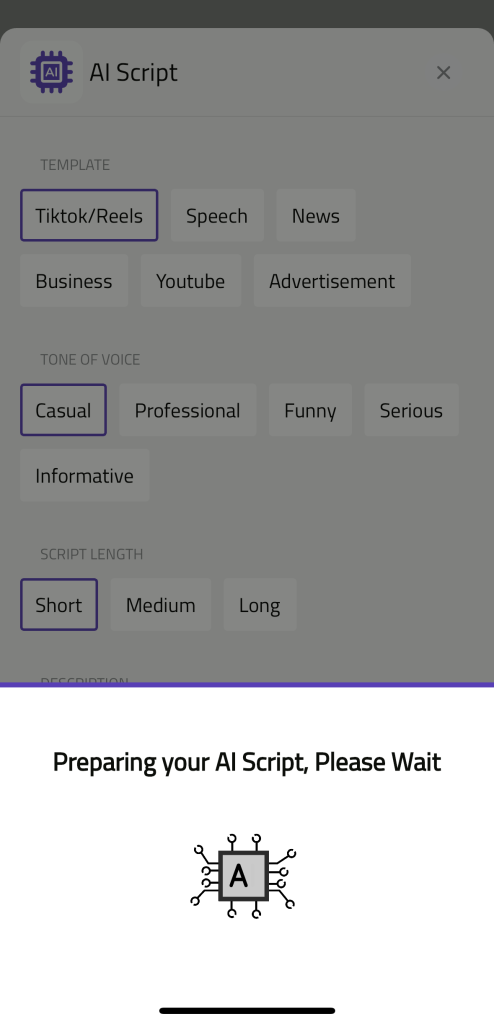
After you select “Generate AI Script”, you’ll see a gif saying “Preparing your AI Script, Please Wait.”
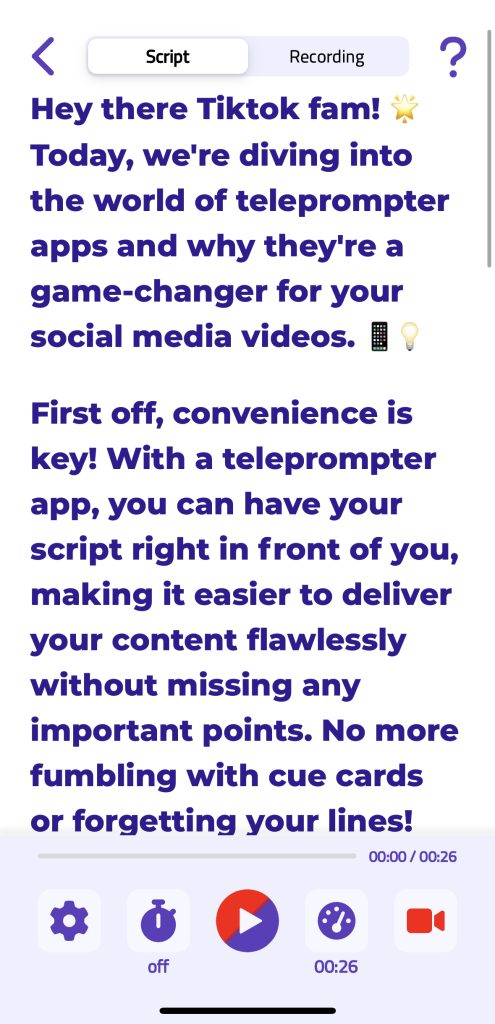
And then your script will be ready! 🎉 You can edit and customize the script as you like.